

Attachments
Send images, documents, and files along with your prompt so the agent can work from them directly.
Attach files to any prompt with the pin icon in the chat input, or paste them straight into the box — screenshots included.
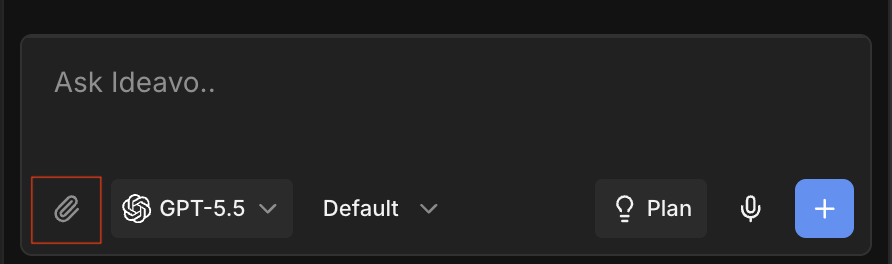
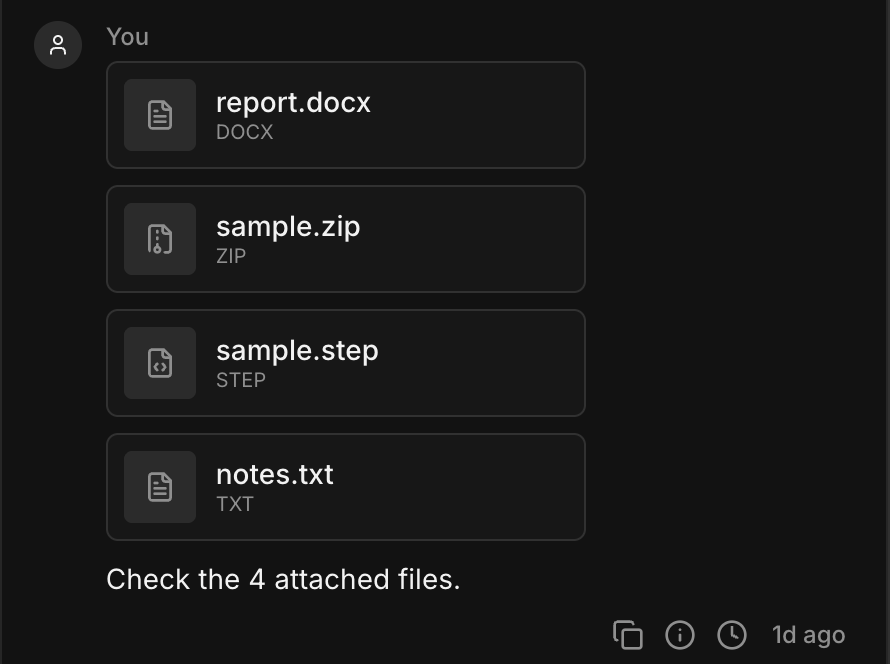
Attached files are uploaded to your project's sandbox, so the agent can open them, copy them into your app, or work from what's inside.
Limits
- 5 files per message.
- 20MB per file.
- Binary files aren't supported — executables, compiled objects, and similar are rejected. Anything else supported can be uploaded.
Model Support
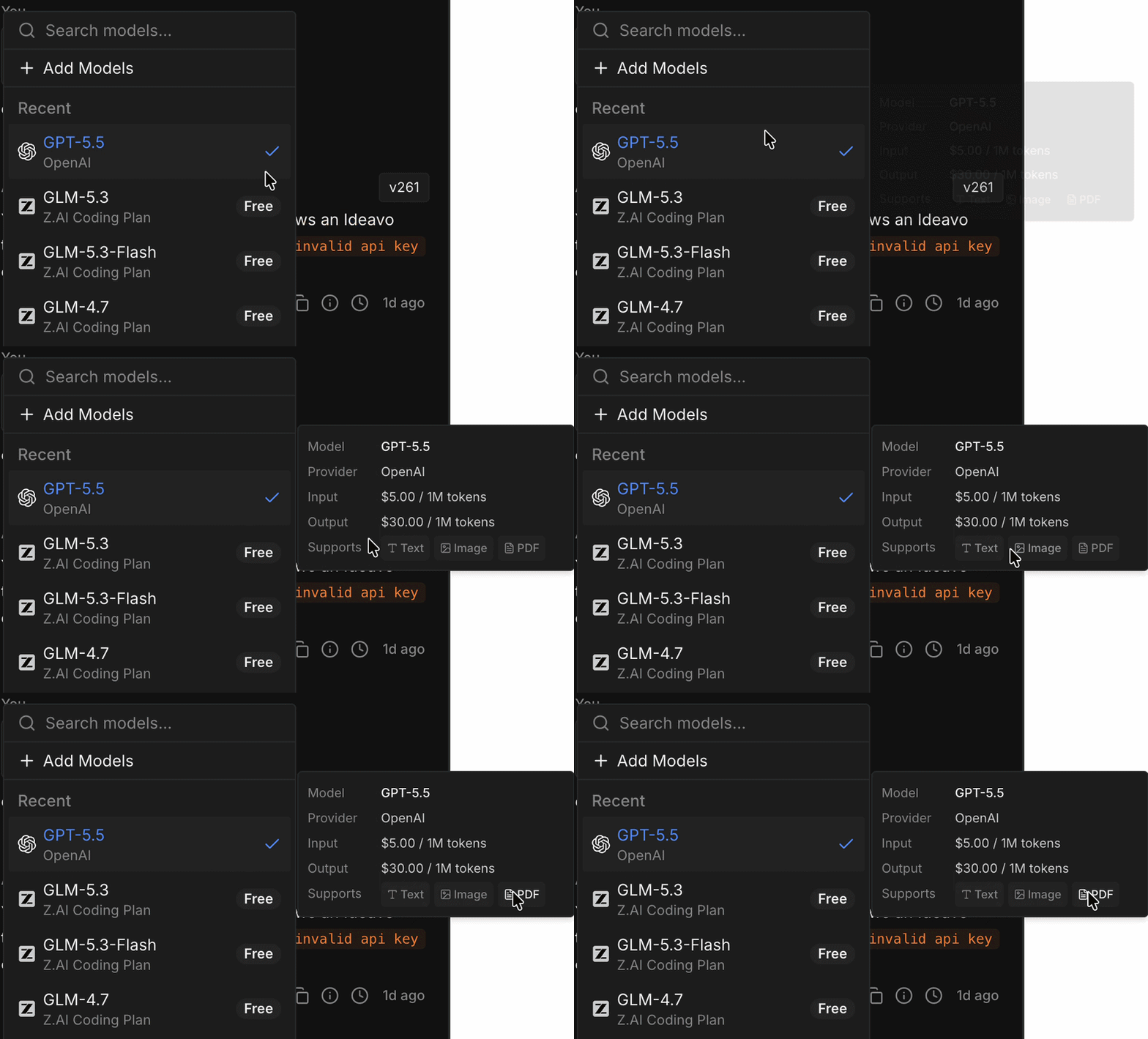
Text files work with every model. Images and PDFs depend on the model you've selected — if it can't read them, Ideavo skips those files and tells you why, so switch models if you need them.
Files added with File Mentions show up like attachments too — they already live in your project, so nothing is uploaded and they don't count towards the five-file limit above.
Showing video in your project? Host it on a CDN and link to it instead of committing the file into your codebase. Large media files bloat your project and slow it down.
Good To Know
- Files with the same name don't overwrite each other — Ideavo adds a numbered suffix.
- Secrets are blocked by design.
.envfiles, private keys, and certificates can't be attached. - Attachments belong to the message you sent them with, so you can look back at them later in chat.
- Attachments live inside your project, so uploading a lot of them grows it quickly. Keep an eye on what you've added and clear out what you no longer need.