

Plan Mode
Plan Mode helps you analyze problems, debug issues, and create implementation plans without modifying code.
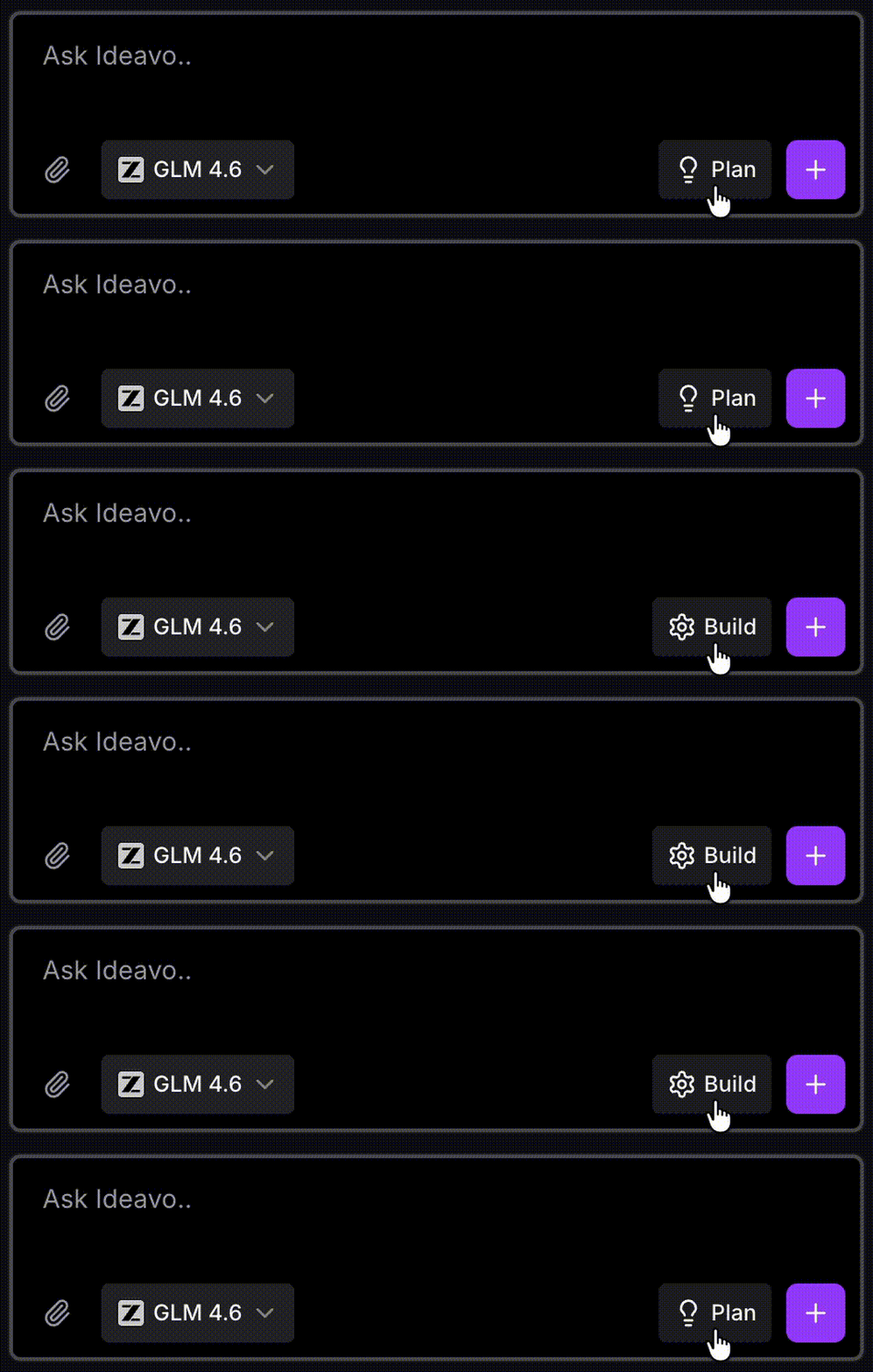
Plan Mode is your development and debugging partner inside Ideavo. It helps you think through problems, design solutions, and diagnose issues — directly in conversation.
Ideavo has two modes:
- Plan Mode — think through the problem, explore options, and decide on an approach
- Build Mode — implement changes and verify the outcome
Plan Mode is for decision-making. Build Mode is for execution. You can switch between them at any time.
Both modes are available in Tasks as well.
Conversational & read-only
Unlike Build Mode, Plan Mode does not modify code.
Agentic reasoning
Reasons across multiple steps — searches files, inspects logs, queries databases — purely for analysis.
Actionable plans
Produces a clear step-by-step plan to implement a feature or fix a bug.
Seamless handoff
Switch to Build Mode when ready — your plan carries directly into implementation.
Two ways to enter Plan Mode
- Start in Plan Mode — Begin a new project or feature by thinking it through before any code is written.
- Switch to Plan Mode mid-session — Pause at any point during development to step back, investigate an issue, or rethink an approach.
Both paths are valid. Plan Mode is designed to fit wherever you need to think first.
Implementing a Plan
Ask Ideavo to implement the plan. Build Mode will make the necessary code changes.
Best Use Cases for Plan Mode
- Deep-dive debugging — Investigate issues thoroughly before requesting a fix
- Data modeling — Plan database schemas and relationships for solid system architecture
- Feature design — Identify the minimal, necessary changes for new functionality
- Quality improvements — Request concrete tips to enhance performance, security, or UX
- Impact analysis — Understand how proposed features affect structure and dependencies
Example Prompts
Not sure how to start? Here are prompts that work well in Plan Mode:
Debugging
Users report the login form doesn't work on mobile. Help me figure out why before we change anything.Feature design
I want to add a notification system. Walk me through what components, database tables, and API endpoints I'd need.Architecture
What's the best way to handle file uploads in this project? Give me the options and their tradeoffs.Security review
Review my current authentication setup and tell me what security improvements I should make.What a Plan Includes
When Plan Mode produces a formal plan, it typically covers:
- A high-level overview of the proposed approach
- Key decisions, assumptions, and constraints
- Components, data models, and API changes involved
- Step-by-step implementation sequencing
- Diagrams where relevant — schemas, flows, or architecture
Not every Plan Mode conversation produces a formal plan. Many end with clarity, a direction, or an answer — and that's a valid outcome too.