

Integrations
One-click database and auth setup, plus connect any third-party service — all managed by the Ideavo agent.
Ideavo connects your project to the services every app needs — databases, authentication, payments, secrets — without boilerplate configuration. For supported stacks, setup is one click. For everything else, the agent guides you through it.
Available Integrations
The integrations panel lives in the top bar of your project. Click it to see what's available.
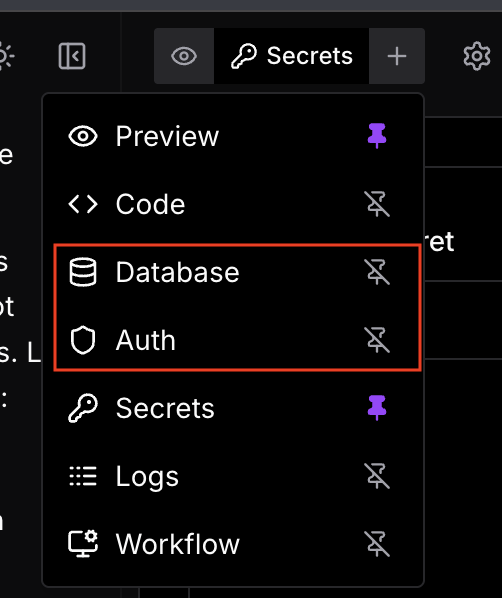
Database
Auto-provision a database or connect your own. Neon PostgreSQL with Drizzle ORM for Next.js projects — zero config.
Auth
Add authentication in one click. Better Auth for Next.js projects, or bring your own provider via the agent.
Secrets
Store API keys, tokens, and credentials securely. Project-scoped and never exposed in the chat or codebase.
Database
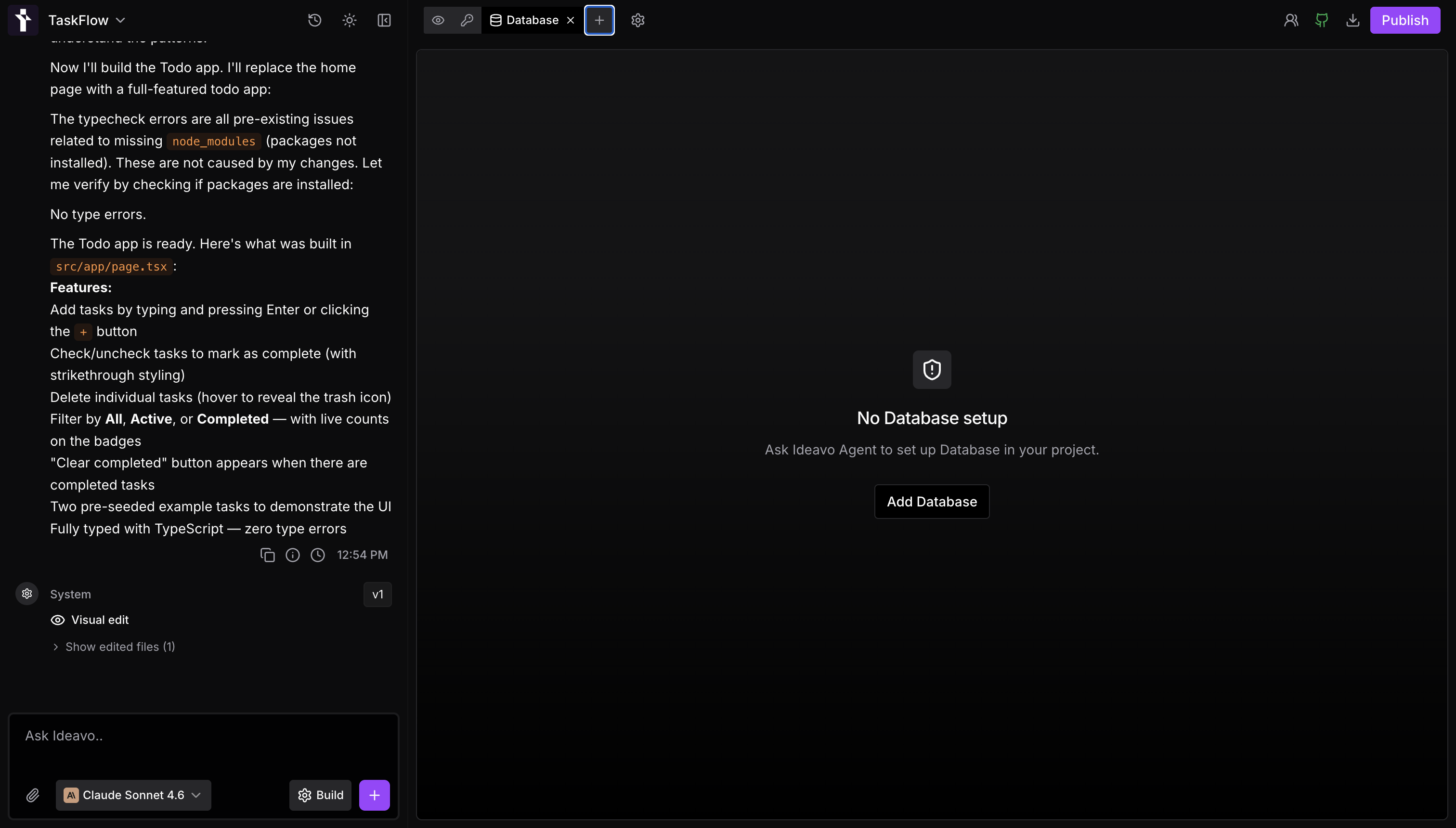
Next.js Projects
For Next.js projects, clicking Add in the Database panel triggers a fully automated setup:
- Provisions a Neon PostgreSQL database
- Installs and configures Drizzle ORM in your project
- Generates the initial schema and runs the first migration automatically
You can also trigger this via chat — just ask the agent to set up a database and it will walk through the same flow.
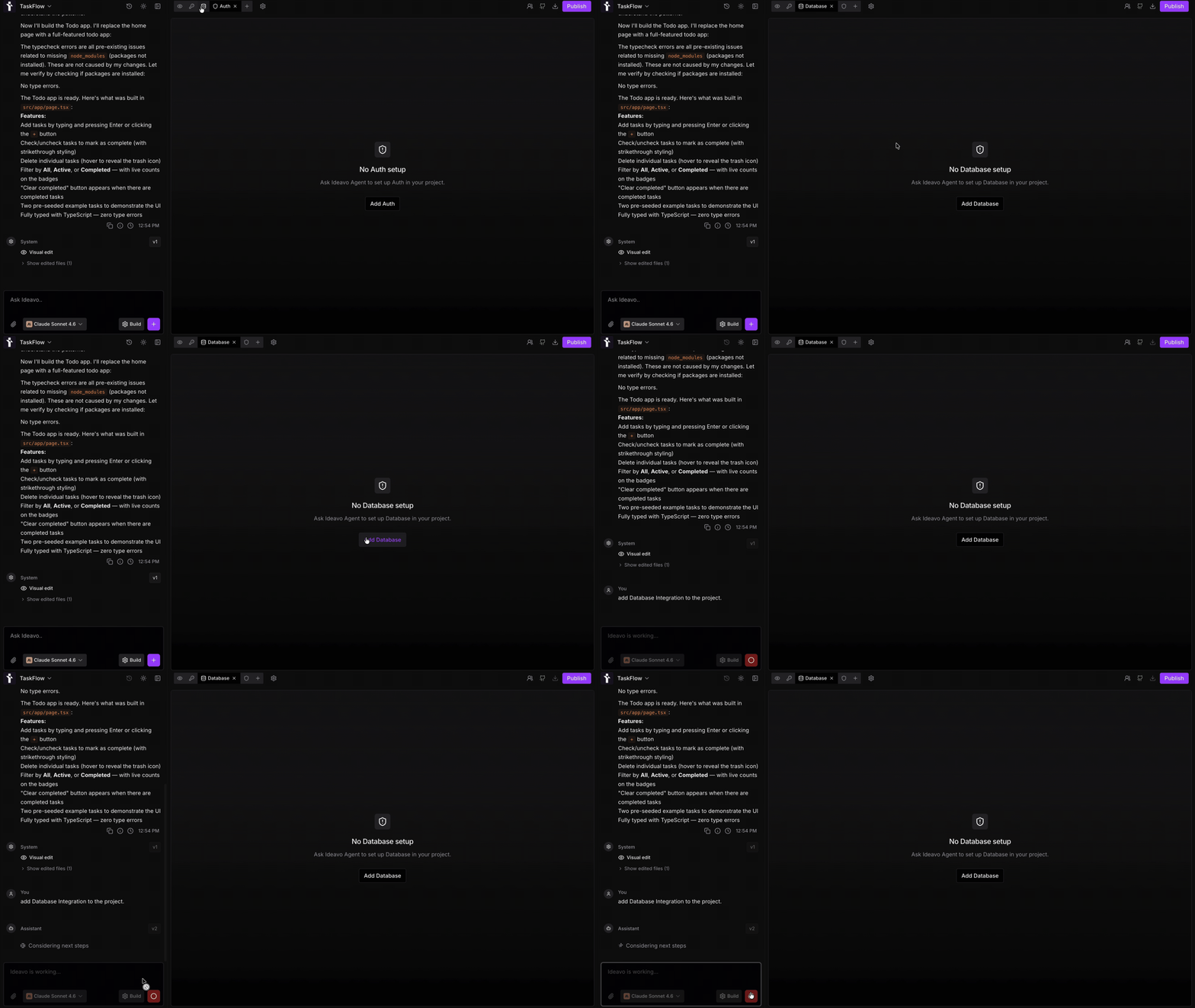
The recommended stack is Next.js + Drizzle + Neon. It's the fastest path to a production-ready database with zero manual configuration.
Other Stacks
For projects outside Next.js, the agent will ask for your database connection URL or credentials based on your stack. Tell it your preference in chat — it will install the appropriate libraries, configure the connection, and wire everything into your project.
Authentication
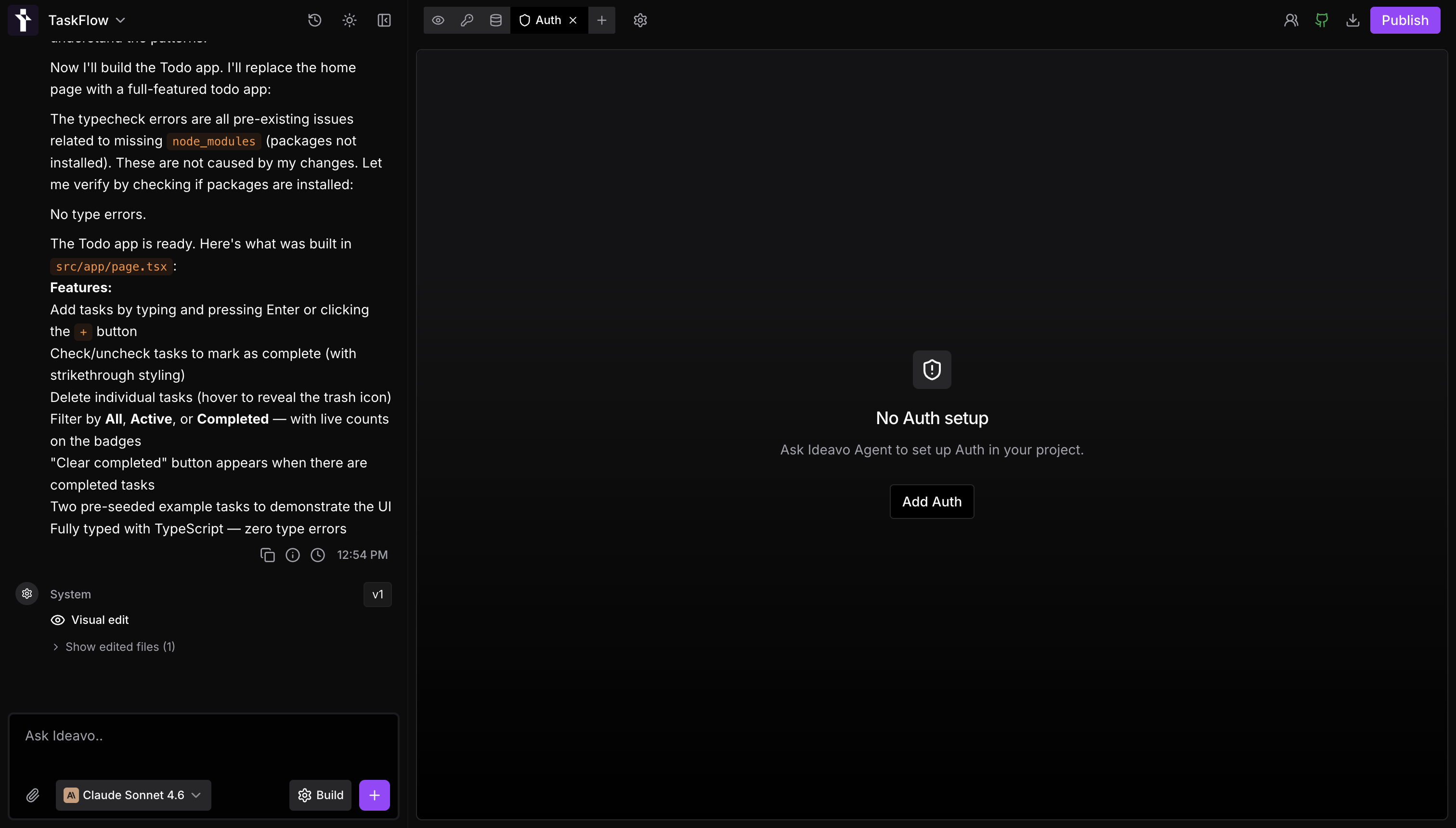
Next.js Projects
For Next.js projects, clicking Add in the Auth panel sets up Better Auth end-to-end:
- Provisions a Neon PostgreSQL database if one isn't already connected
- Generates the full auth schema and runs migrations
- Wires authentication into your project — sign in, sign up, session management
Once configured via the native method, Ideavo also provides an auth dashboard where you can see all signed-up users, active sessions, and account activity.
Custom Auth Providers
Prefer a different provider? Tell the agent in chat — Auth0, Clerk, NextAuth, or any other provider can be configured with the agent's guidance. Add the required credentials to your Secrets tab when prompted.
Custom auth setups won't include the built-in user dashboard. That's available for projects using Ideavo's native Better Auth integration only.
Payments
Connect your own Razorpay account in Settings → Integrations, and the agent adds checkout, subscriptions and paywalls to your apps. See Razorpay.
Secrets
The Secrets tab is where all sensitive values live — API keys, connection strings, tokens, and any credentials your integrations or third-party services need.
- Secrets are project-scoped — not shared across projects
- They are injected into your environment at runtime and never hardcoded into your codebase
- You can add, update, or remove secrets at any time from the Secrets tab
Never paste API keys or secrets directly into the chat. The chat is not a secure input for sensitive values. Always use the Secrets tab.