

Secrets
Manage environment variables securely — keep API keys and credentials out of your source code and injected safely at runtime.
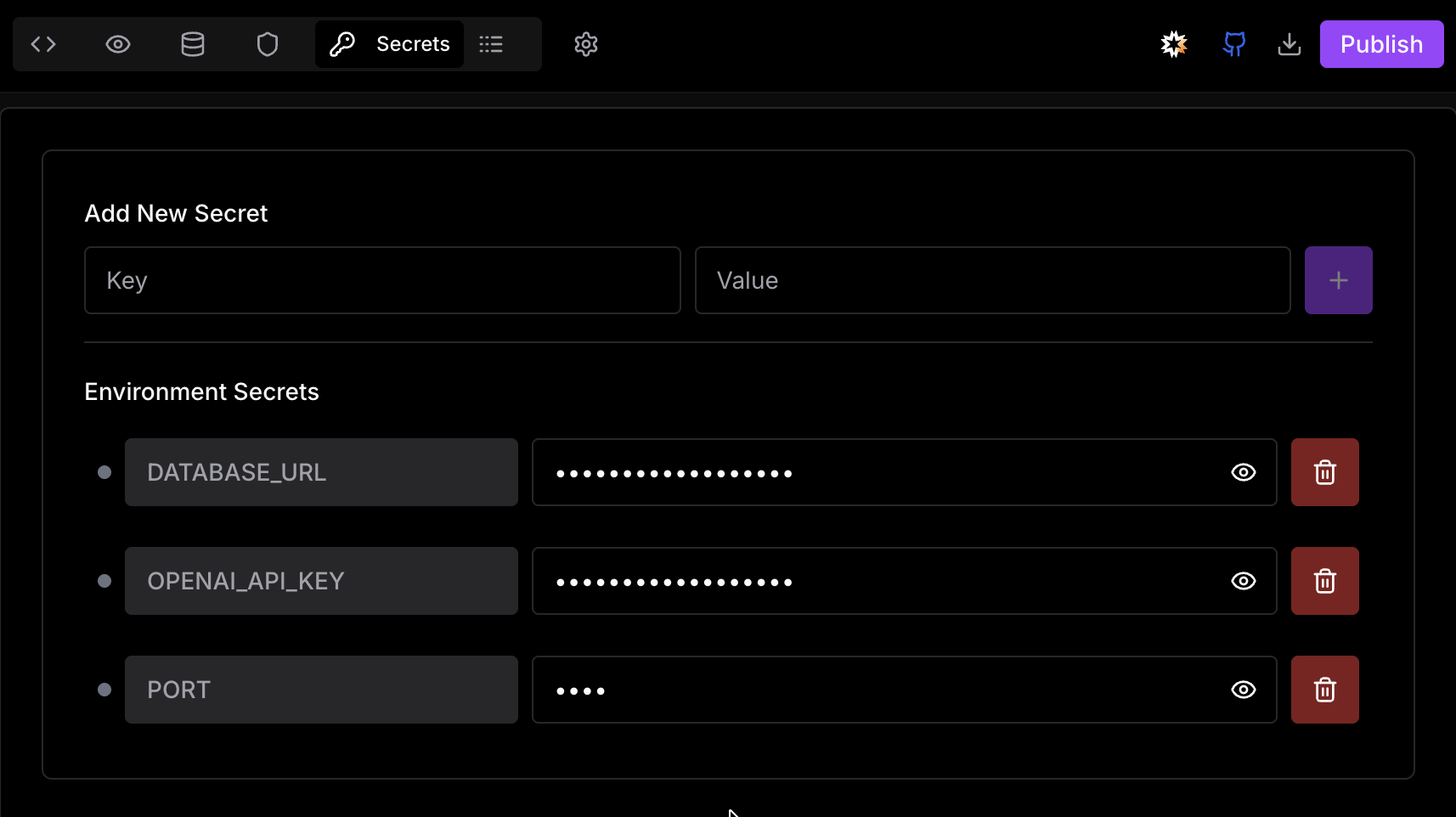
Environment variables are key-value settings your app reads at runtime instead of having them hard-coded in source code. Use them for API keys, database credentials, and any configuration that changes between environments.
Why Use Environment Variables?
Security
Keep secrets out of source code and version control — they're never committed to GitHub.
Portability
The same codebase runs across dev, staging, and production with different settings.
Configurability
Change app behavior — toggle features, swap services — without redeploying code.
Managing Secrets
Adding a Variable
DATABASE_URL) and its value.Click Save — the variable is injected into your sandbox immediately.
Editing & Deleting
Click any existing variable to edit its value inline. To delete, click the trash icon next to the variable. Changes take effect immediately without restarting the sandbox.
Accessing Variables in Code
Variables are injected into the runtime environment and accessible through your framework's standard mechanism.
// Node.js / Express
const apiKey = process.env.API_KEY;// Vite (variable names must be prefixed with VITE_)
const apiKey = import.meta.env.VITE_API_KEY;Never paste secrets directly into the AI chat. The chat is part of your project context and is not a secure store for credentials.
Security
All variables are encrypted at rest and masked by default in the Secrets panel. Click the eye icon next to any variable to reveal its value — useful for verification, and easy to hide again before screen sharing.
Secrets are never written to your source code or pushed to GitHub. They exist only in the Ideavo runtime environment.
These are your development values. Your live app reads its own values from Vercel or Railway. See Production Environment.