

Project
Export Code
Export your entire project as a ZIP archive with one click — includes all source files and project metadata.
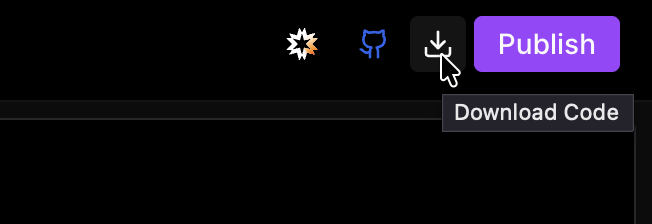
The Export button lets you download your current project's full source code as a ZIP archive in one click.
What's in the ZIP
The archive contains your complete project repository — cleaned up and ready to use. Build artifacts and dependency folders (e.g. node_modules, dist, .next) are stripped out to keep it lean and portable.
.env files are not included in the export. You'll need to recreate your
environment variables locally after downloading.
How to Export
Open your project in Ideavo.
Click the Export button (visible in the image above).
The codebase is packaged instantly and saved as a ZIP archive to your machine.
After Exporting
Once you have the ZIP, unpack it and get it running:
- Install dependencies — run
npm install,pip install -r requirements.txt, or the equivalent for your stack - Recreate your
.env— add back any environment variables your project needs before running it - Run locally or deploy — the project is a standard repository and works with any platform or hosting provider